The ChopWin Uganda app brings the full casino experience straight to your phone — no browser tabs, no shortcuts, just a dedicated app built for Ugandan players. Download the APK directly from the ChopWin Uganda site, install it in seconds, and you’ve got every slot we offer right in your pocket. Whether you’re in Kampala or anywhere else across Uganda, the app keeps things fast, clean, and ready whenever you are.
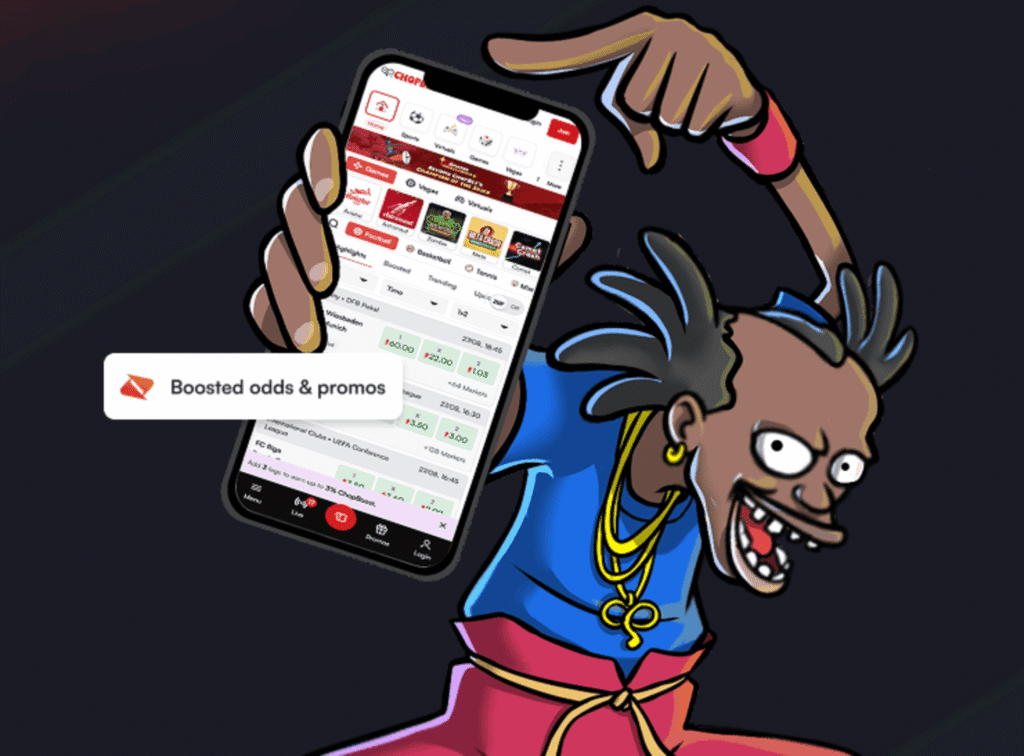
How to Download & Install ChopWin Uganda App Android
- Open your phone’s Settings and enable installs from unknown sources
- Visit the ChopWin Uganda website on your Android browser
- Find the app download section and tap the APK download link
- Wait for the APK file to finish downloading
- Open the downloaded file from your notifications or file manager
- Tap Install and follow the on-screen prompts
- Once installed, open the app, log in, and start playing
How to Download & Install ChopWin Uganda App iOS
- Open Safari on your iPhone and go to the ChopWin Uganda website
- Find the app download section on the site
- Tap the iOS install link — the site will guide you through the setup
- When prompted, tap Add to Home Screen
- Confirm by tapping Add in the top right corner
- The ChopWin app icon will appear on your home screen
- Tap it, log in to your account, and you’re good to go
Why Use the ChopWin Mobile App UG?
- Everything loads faster. The app is optimized for mobile from the ground up — no browser overhead, no page reloads between games. You tap, it loads, you play.
- Your account is always one tap away. Log in once and stay logged in. No re-entering credentials every session, no navigating through a mobile browser every time you want to spin.
- Built for Ugandan connections. The app is lightweight and designed to perform on the kind of network conditions real players in Uganda deal with every day — so you get a stable experience whether you’re on strong WiFi or a standard mobile data connection.